Find a race
Search the race listings by name or place, then narrow the results to a distance and date that suit you. Use the map to explore somewhere new, or look near home when you want a shorter journey.
Search for a race
Open Races → Find a race. Type a race name, town or country into the search field. The search also looks at descriptions, so check each result’s location before choosing it.
Enter Berlin for the example. Choose Half Marathon in Distance to leave the half marathons in the results. You can combine a search with several filters.
Pick your dates
- Open Filters.
- Find Or pick dates.
- Set From to 1 April 2027.
- Set To to 30 April 2027.
- Close the filter panel to return to the results.
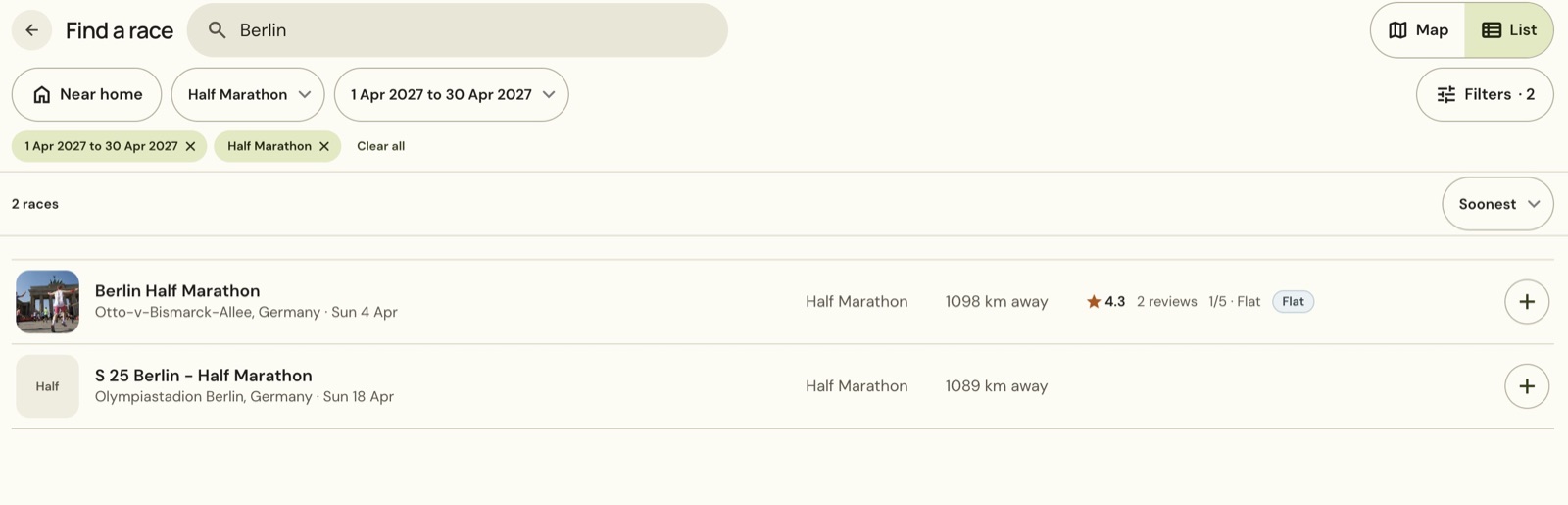
The date and distance choices appear above the results. Remove an individual filter with its cross, or choose Clear all to remove the filters together. Clear the search text separately when you want to look somewhere else.
Switch between the map and list
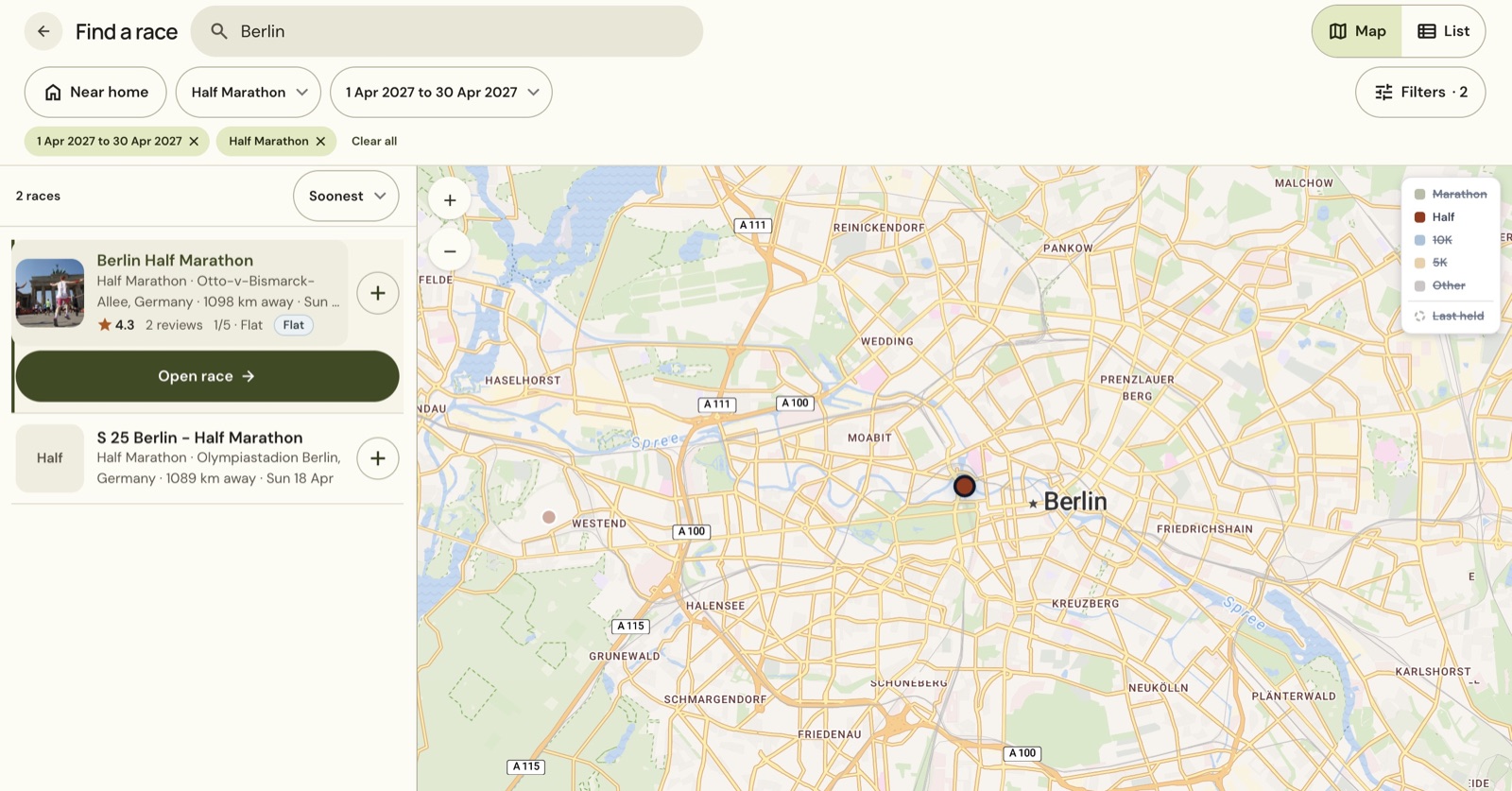
Choose List to compare results in rows. Each row shows the race’s date, distance and place, with other details where the listing supplies them.
Choose Map to see the results beside a map. Select a race in the results to focus on it, then choose Open race.
Read the race preview
The preview shows the course outline, race details, weather and entry links. Check the notes beside the course before treating the outline as your race-day route.
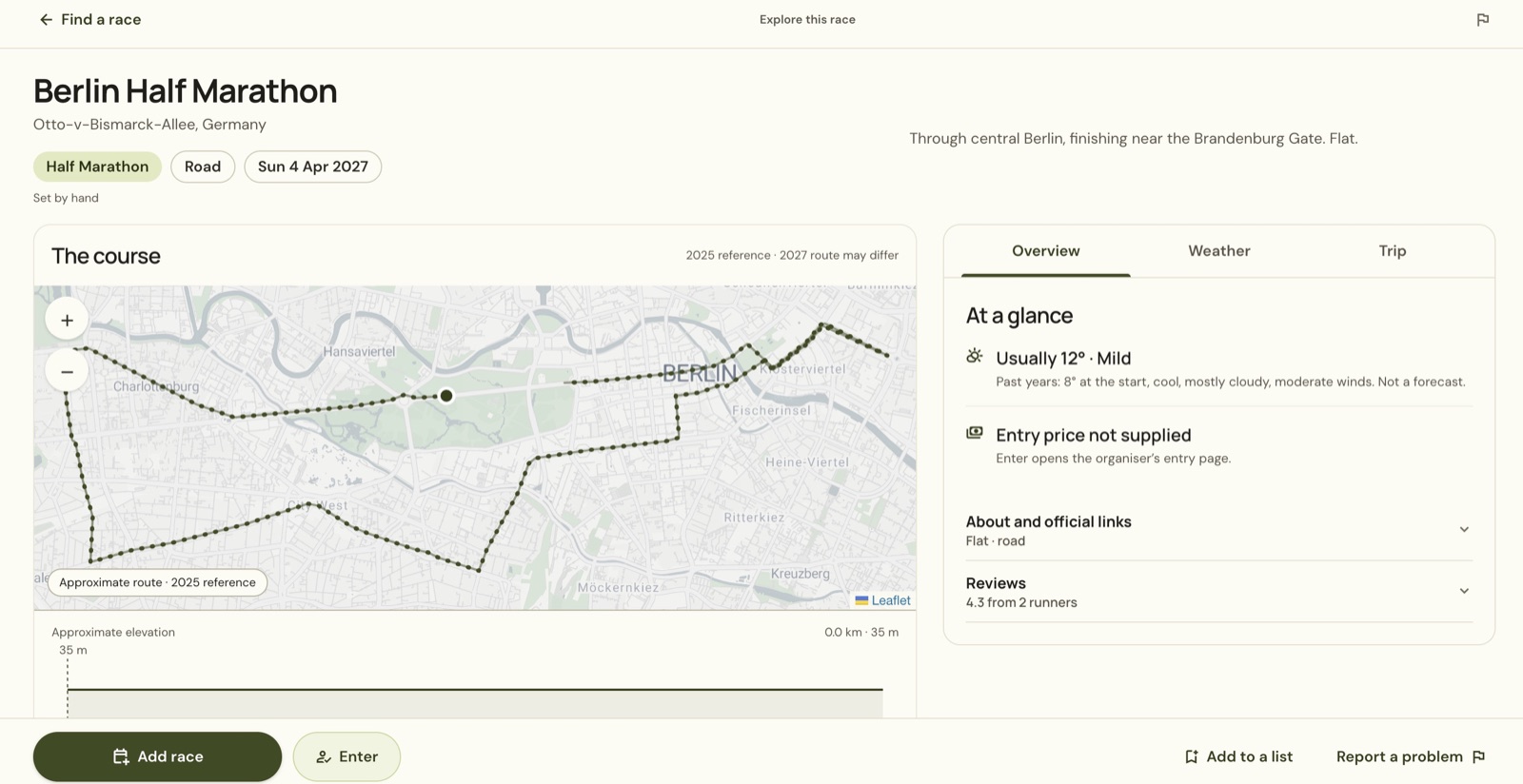
The preview’s usual weather comes from past years. It is not a forecast for the day you will run. Official site opens the organiser’s website, while Enter opens the entry page linked by the listing. Choose Add race when you want the event on your own calendar.
Look near home
- Return to Find a race.
- Choose Clear all.
- Clear Berlin from the search field.
- Turn on Near home.
In the example, Bristol is saved as home and the app applies Within 160 km.
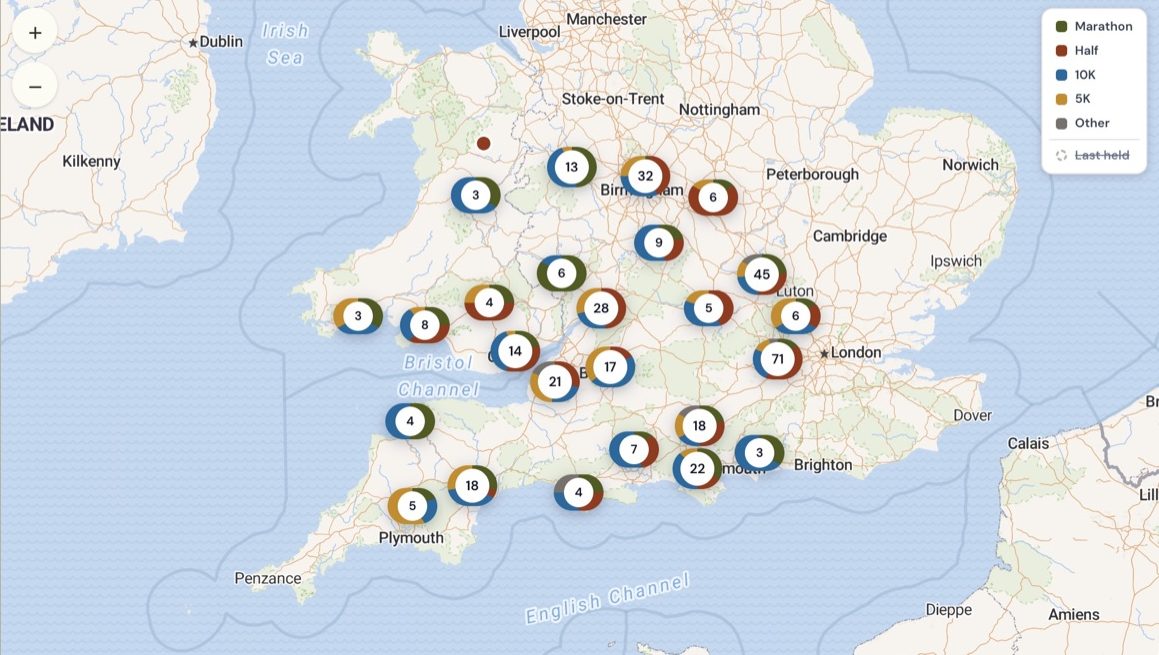
Use Filters to choose a different distance from home or a rough drive time. The drive-time choices are estimates; open a race when you need to plan the journey.
Follow a race series
Return to Races and choose a set under Lists. World Marathon Majors, SuperHalfs and European Marathon Classics group the races in each set.
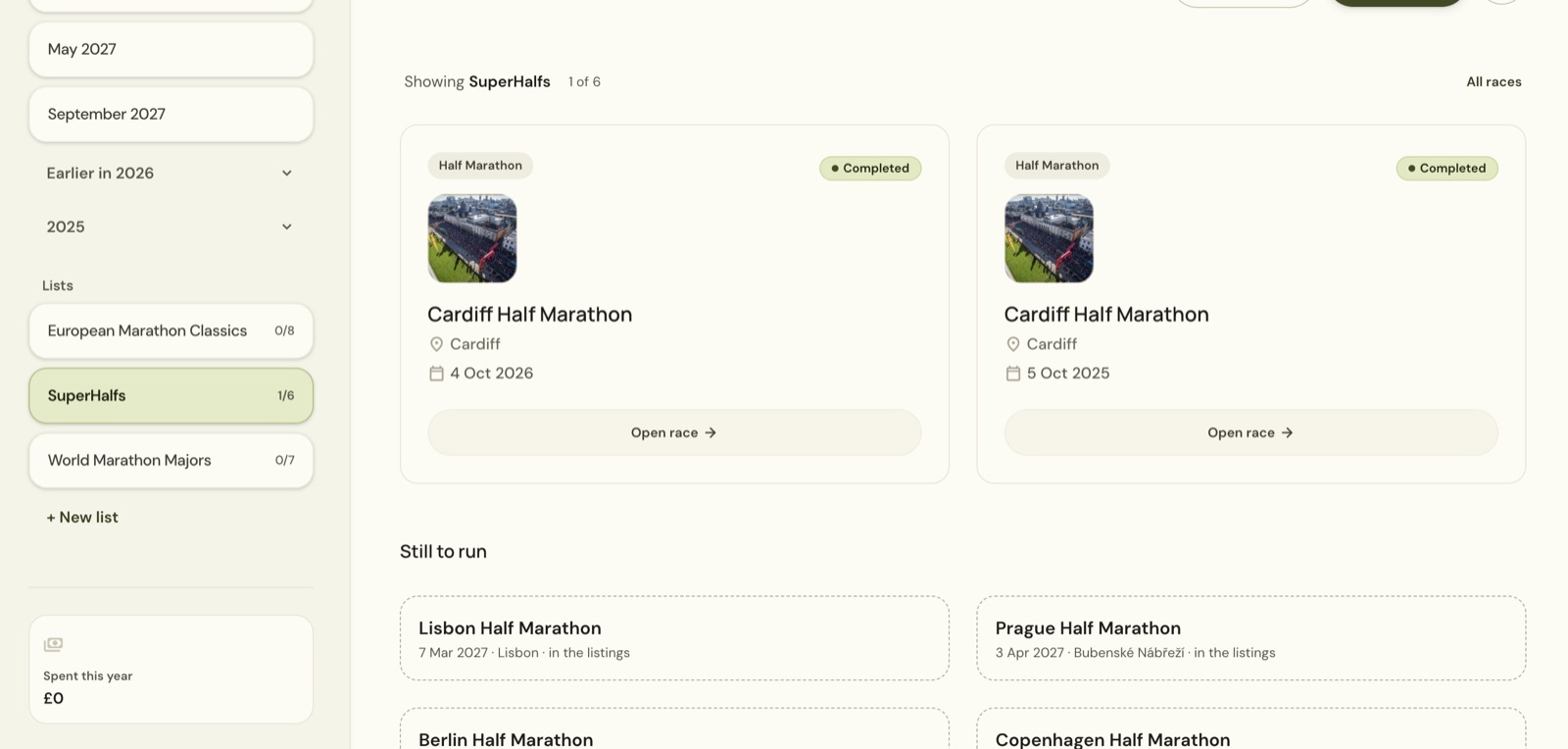
The count shows how many races in that set you have finished. The example’s two Cardiff finishes count as one race towards SuperHalfs 1/6. A race marked Interested or Registered is still to be finished, so adding an upcoming race does not increase that count.
Still stuck? Email [email protected] and say which page you were on.